- Computer vision · 2021
- CNN classifier
- OpenCV
- Real-time
COVID-19 Facemask Detection
At a busy entrance, who's wearing a mask and who isn't? A camera that answers that, face by face, many times a second.
- 2 classesMask / No-mask
- Real-timePer-frame video
- CNN + OpenCVDetect → classify
Checking masks by eye doesn't scale
During COVID-19, entrances to shops, offices and transit had to verify that people wore masks. A guard can watch one doorway; they cannot watch a hundred, or a crowd, without missing people. The goal here is to automate that check: point a camera at the scene and have software flag, in real time, every uncovered face so staff can act.
Two stages: find the faces, then judge each one
The system never asks "is there a mask in this picture?" all at once. It runs two stages per frame: first a face detector locates every face and returns a box around it; then a CNN classifier looks at each cropped face on its own and decides mask or no-mask. Finally the result is drawn back onto the frame as a coloured box.
This loop repeats on every frame, so the labels track people as they move through the scene.
First, where are the faces?
Before anything can be classified, the system has to locate faces in the frame. A classical OpenCV face detector scans the image at many positions and scales and returns a bounding box for each face it finds, regardless of whether that face is masked. Each box is then cropped out and passed on alone, so the classifier sees one clean face at a time instead of the whole busy scene.
The detector only answers "is this a face, and where?" It says nothing yet about masks.
A real face detector, live on this page
The diagrams above are illustrations. This one is not: it runs BlazeFace, a small pre-trained face detector from Google, inside your browser with TensorFlow.js, the same job as the project's first stage, finding every face and boxing it. It is a stand-in: the project's own trained models were lost, so faces are found but not classified as masked or unmasked here.
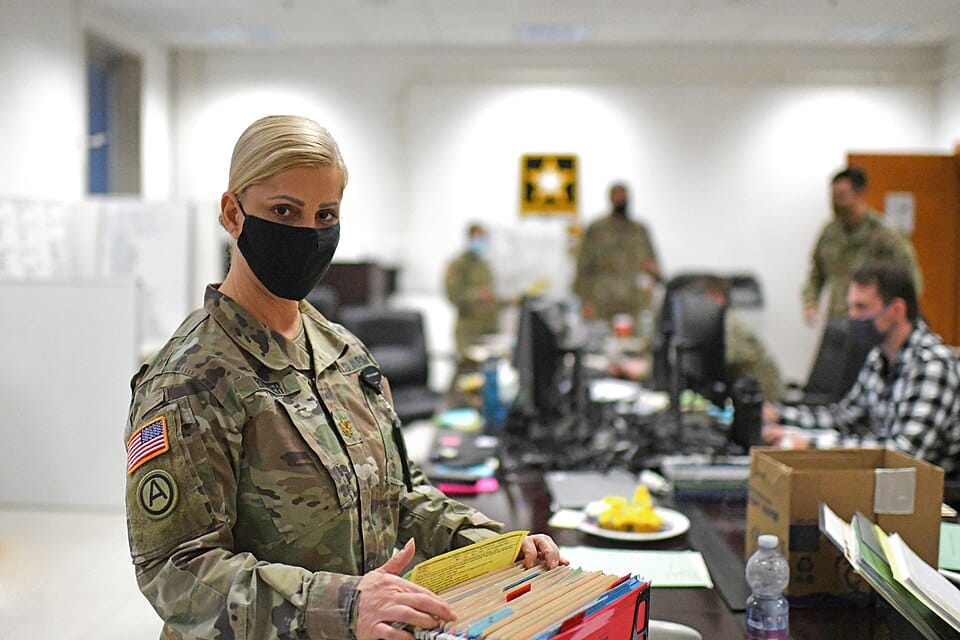
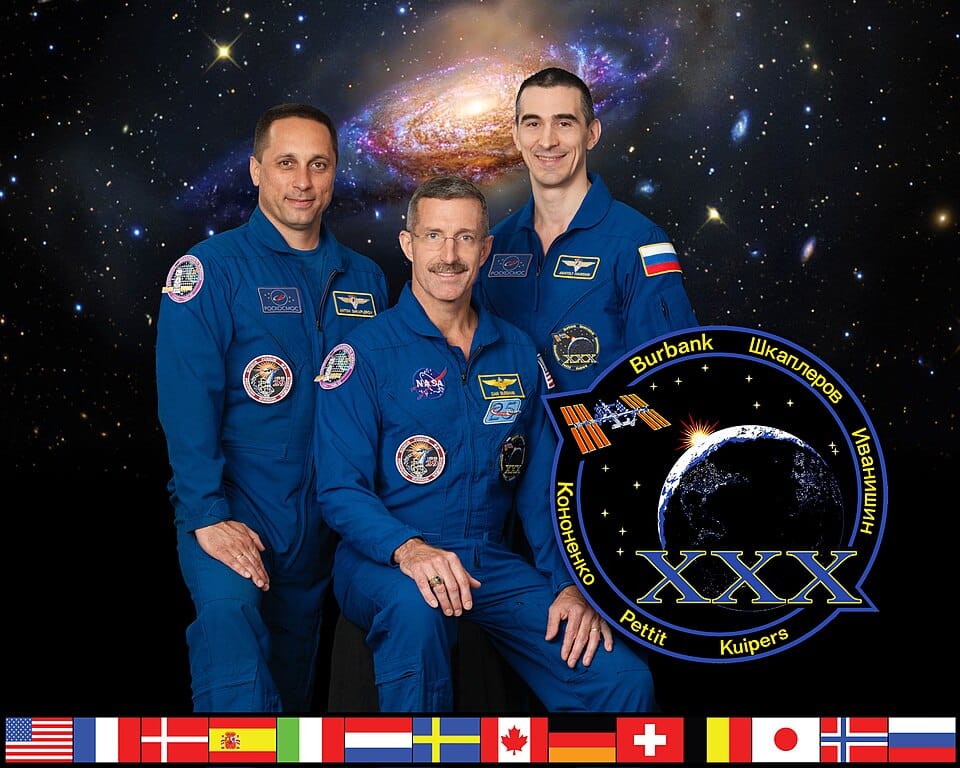
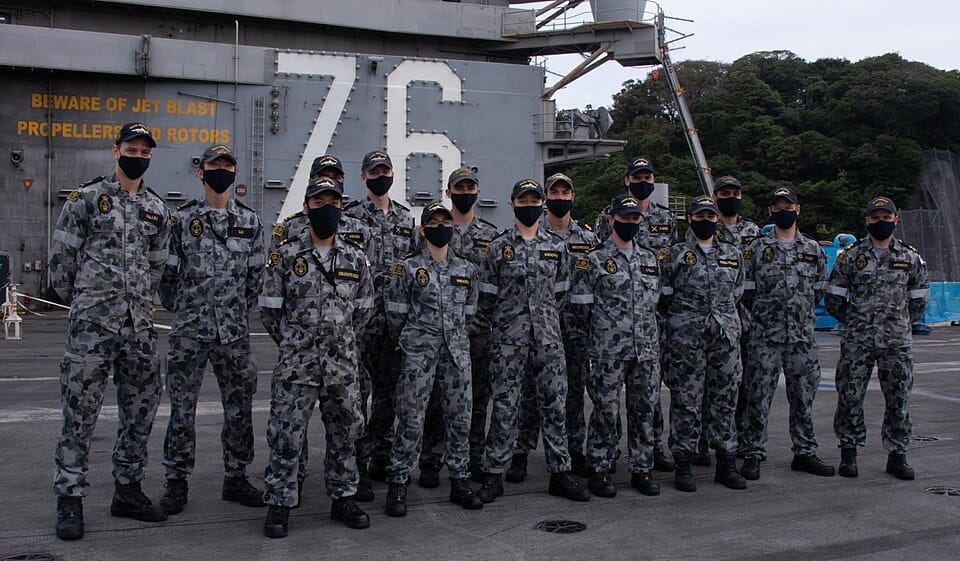
The model (about 0.5 MB) loads only when you press Run.
Use your own camera instead? Video stays on your device: frames are processed in this tab and nothing is uploaded or stored. The camera turns off when you press Stop or leave the page.
Boxes and scores are the detector's own output on that image: a demonstration of the method, not a measured accuracy. Small, turned or partly hidden faces can be missed. Sample photos: U.S. Army, NASA and U.S. Navy, public domain (credits).
A CNN decides: mask or no-mask
Each cropped face is resized to a fixed size and normalised, then passed through a convolutional neural network. Early layers pick up edges and texture; deeper layers respond to the tell-tale pattern of a mask: the straight top edge across the bridge of the nose, the pleats, the covered mouth. A final layer collapses all of that into two numbers: the confidence that the face is masked, and that it is not.
Two-class output (softmax): toggle the mask and watch the decision flip. Faces are drawings, not photographs; confidences illustrative.
Real-time, face by face
Put it together and it runs live on video. Hit Live feed and watch it keep scanning as people change, or toggle masks yourself and Scan once: the detector sweeps the frame, boxes each face, and the classifier colours it green (mask) or red (no-mask) with a confidence. On real video this repeats every frame, so the overlay follows people as they move.
Click any face to toggle its mask; it re-scans instantly. Or hit Live feed to let it run, people changing as they pass. Confidence values are illustrative, in the shape of a real prediction.
From "is there a mask?" to "who is this?"
A mask hides the mouth and nose, but not the eyes. The natural next step is to read the eye and upper-face (periocular) region, which stays visible even when someone is masked. That opens up two directions beyond compliance monitoring:
These are directions this work points toward: recognising a person from the eyes when a mask covers the rest.